For teachers who already know their subject

From idea to ready-to-teach lesson.

Tell it what you're teaching. It plans with you, builds the materials one at a time, and shows you the whole lesson at once — on one screen, after the students have gone home.
1 Say what you're teaching

Start with one sentence.

No template, no form to fill. Describe the class and the day the way you'd tell a colleague in the hall.

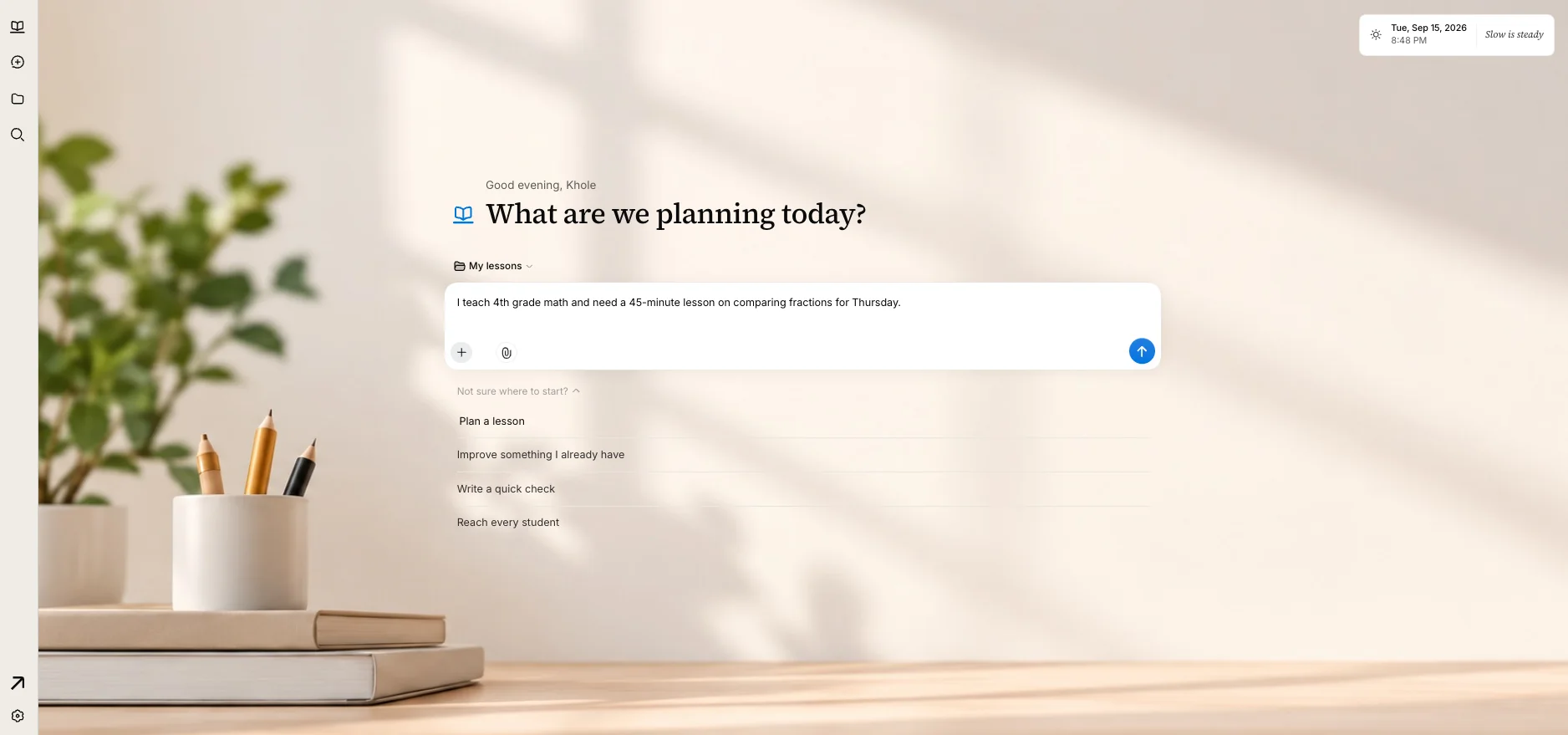
“I teach 4th grade math and need a 45‑minute lesson on comparing fractions for Thursday.”

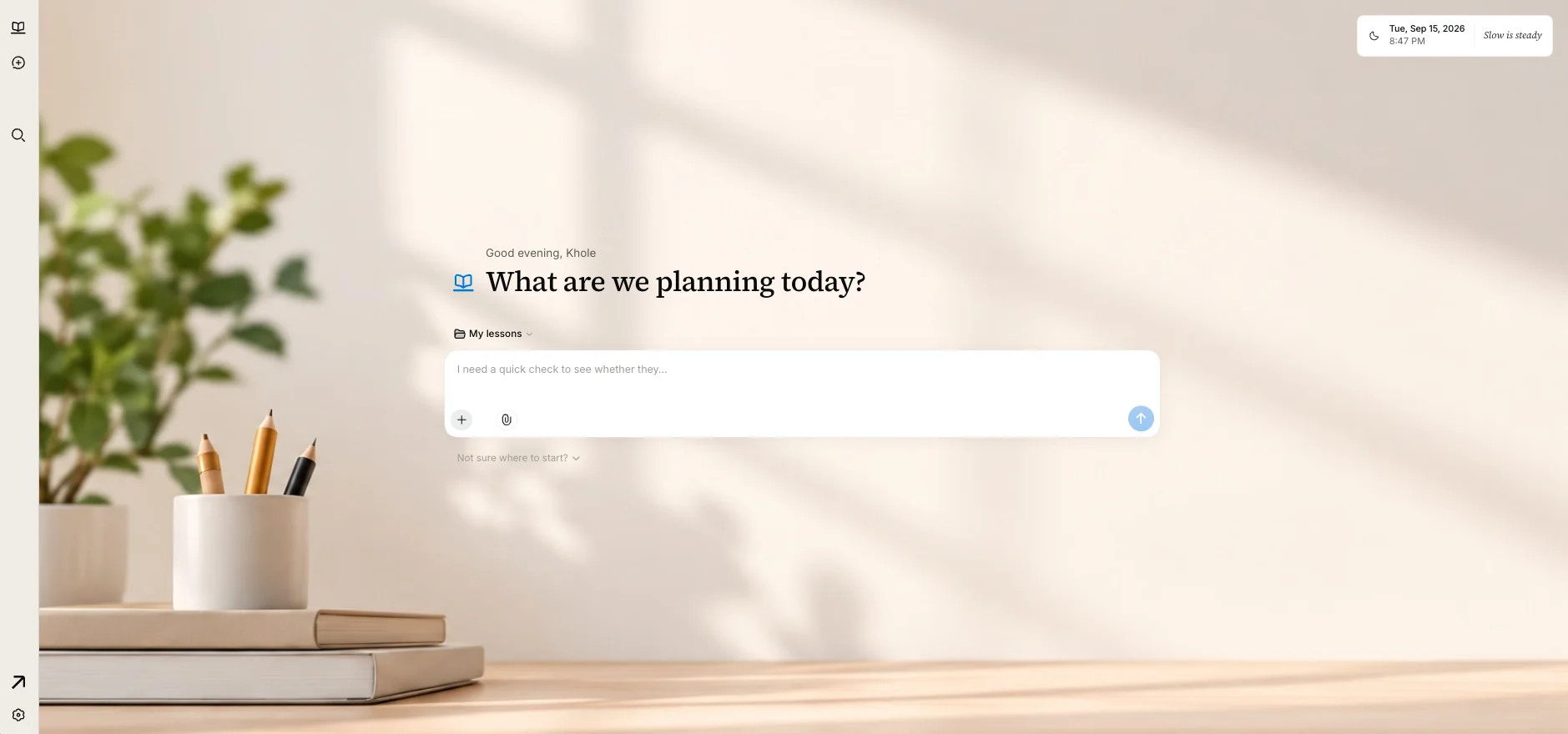
The Lesson Desk home screen: a quiet desk with a plant and pencils, and the question ‘What are we planning today?’ above a single text box. The same screen with the teacher's sentence typed into the box, and four ways to start listed beneath it.

2 Two questions

It asks only what matters.

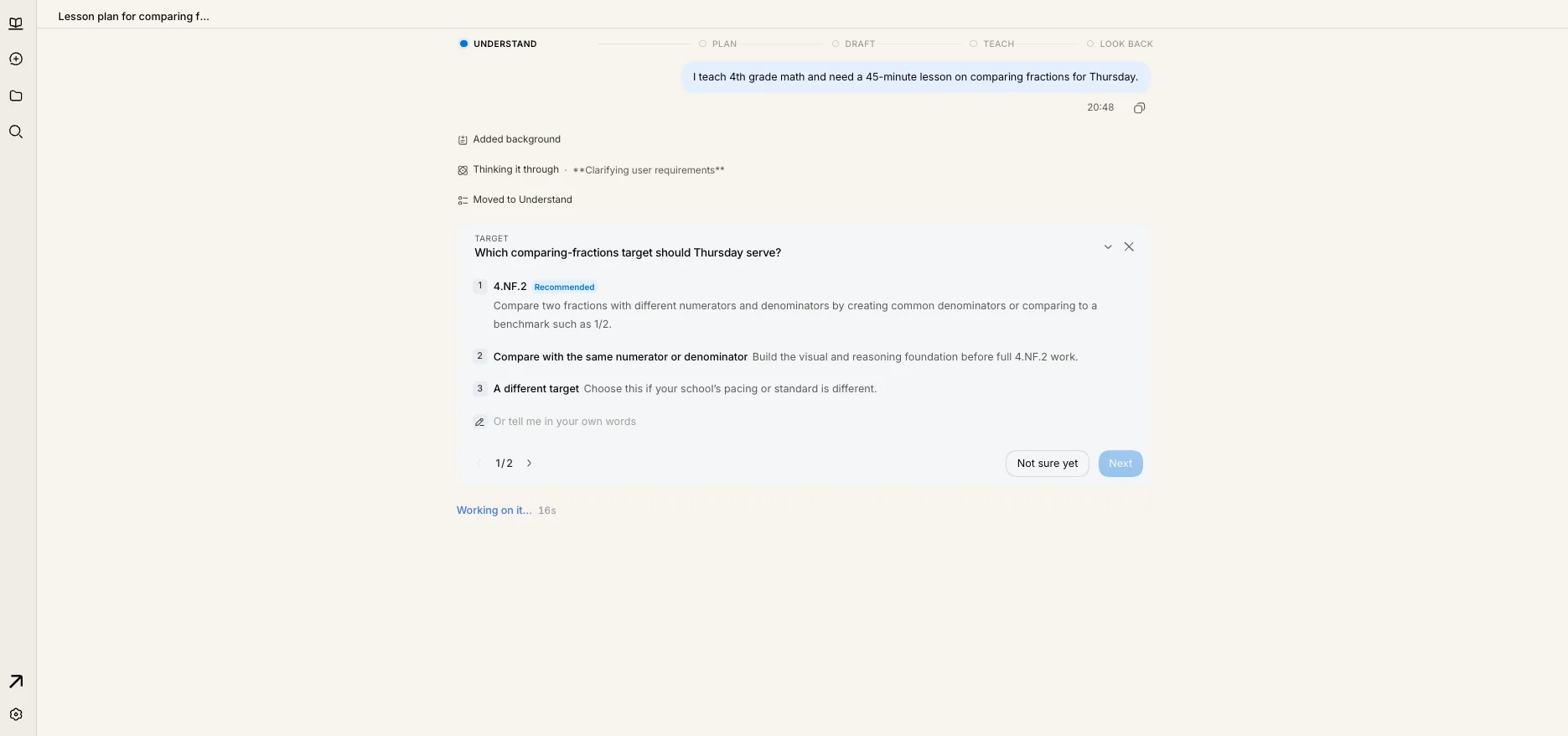
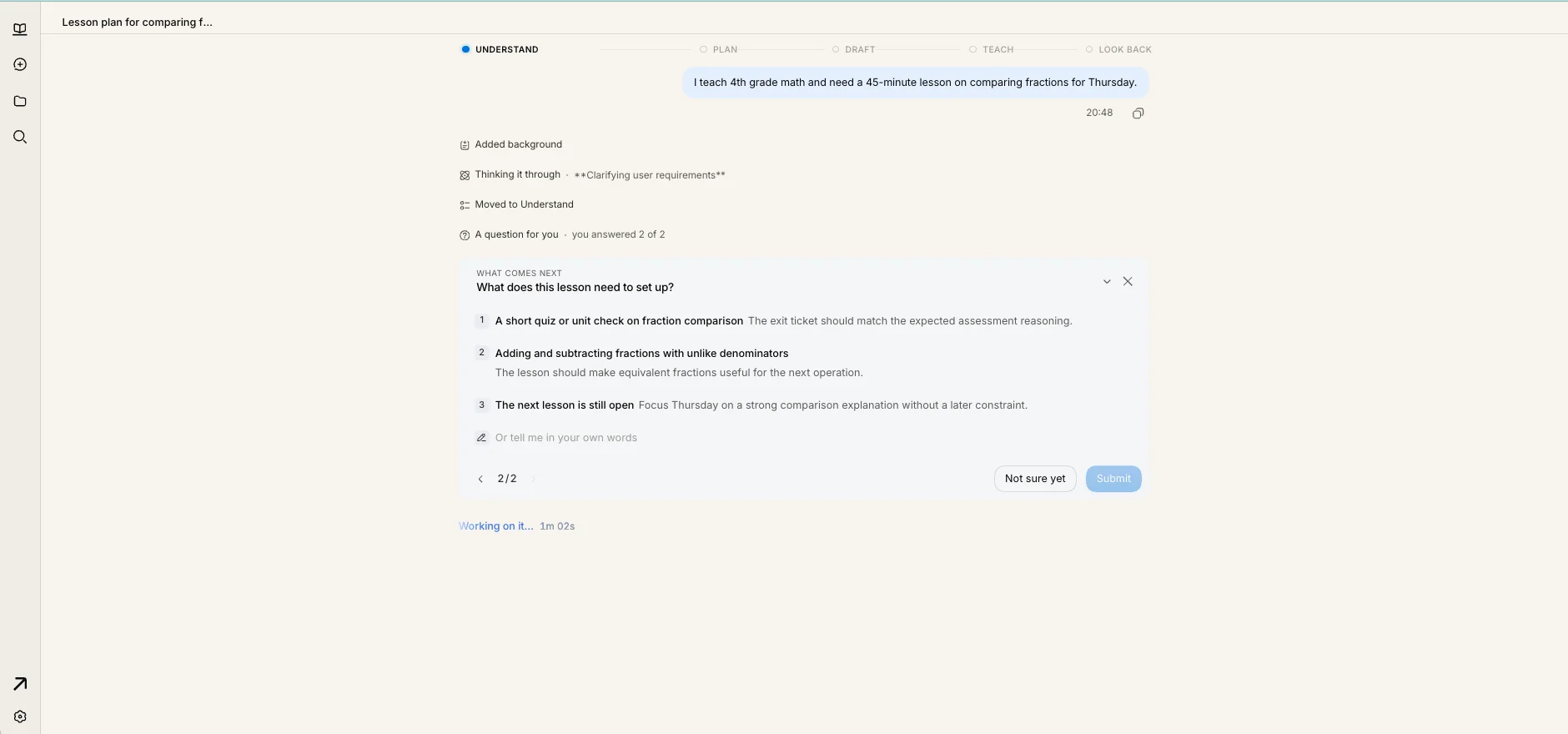
Which standard Thursday should serve, and what the lesson needs to set students up for. A recommended answer is marked. You pick one — or say it in your own words.

A card asking which comparing-fractions target Thursday should serve, with standard 4.NF.2 marked as recommended. A second card asking what this lesson needs to set up, with three choices including a short quiz on fraction comparison.

3 Confirm

Check what it understood.

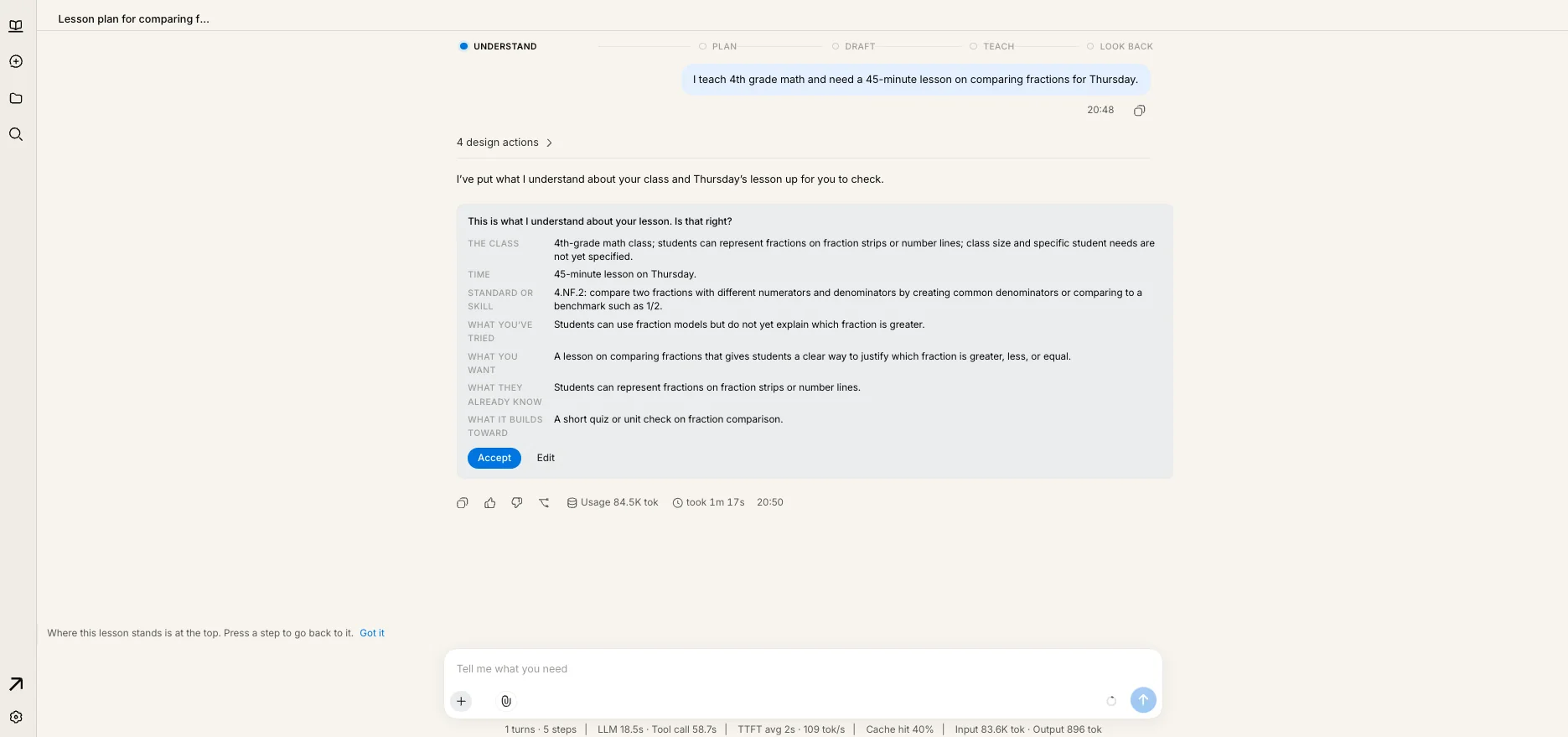
The class, the time, the standard, what students already know, and what the lesson builds toward — laid out to read in ten seconds. One Accept, and it plans the approach: objectives, how you'll know, and the mistakes students usually make.

A summary titled ‘This is what I understand about your lesson’, listing the class, time, standard, and goal, with Accept and Edit buttons.

4 It builds

Then the materials, one at a time.

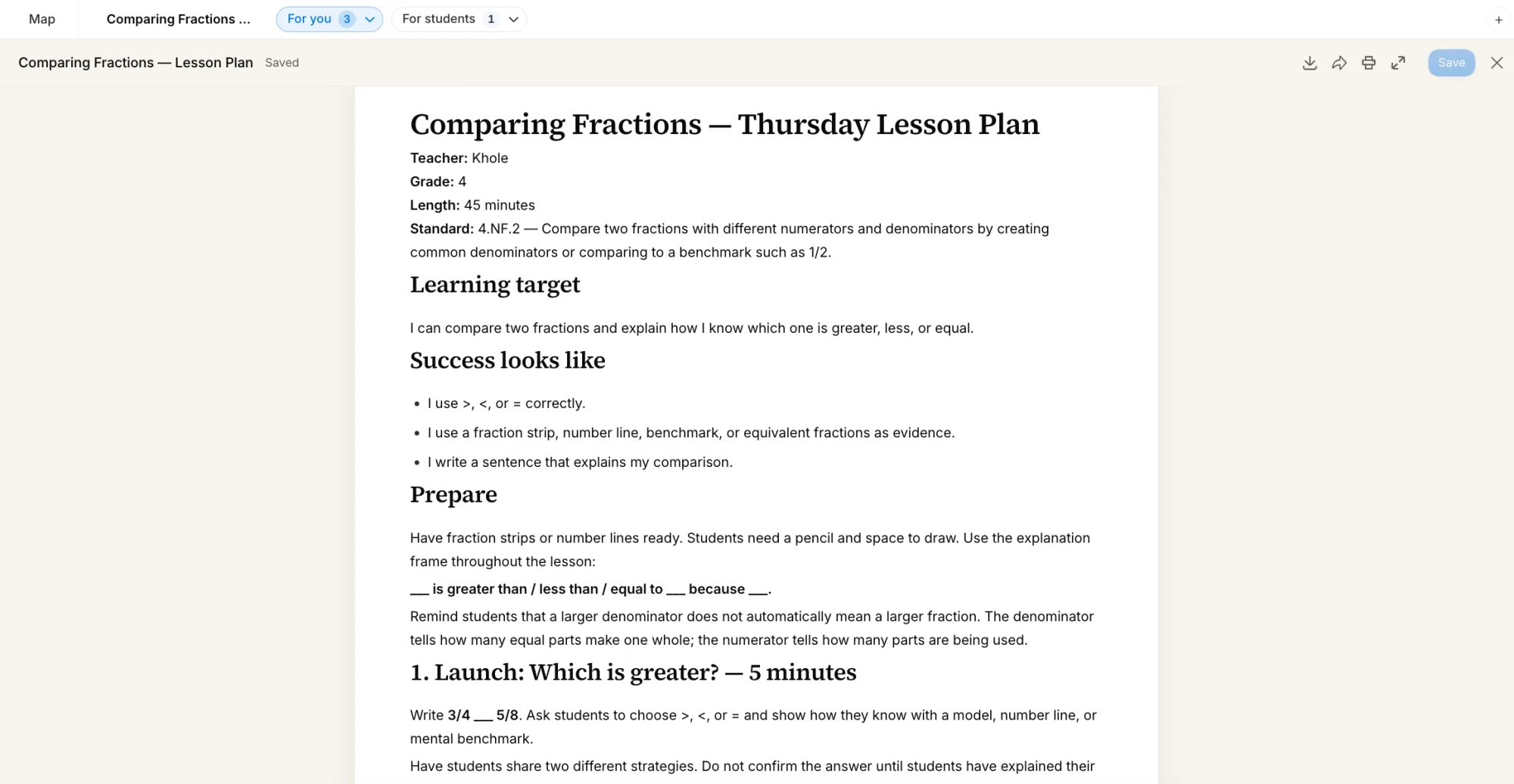
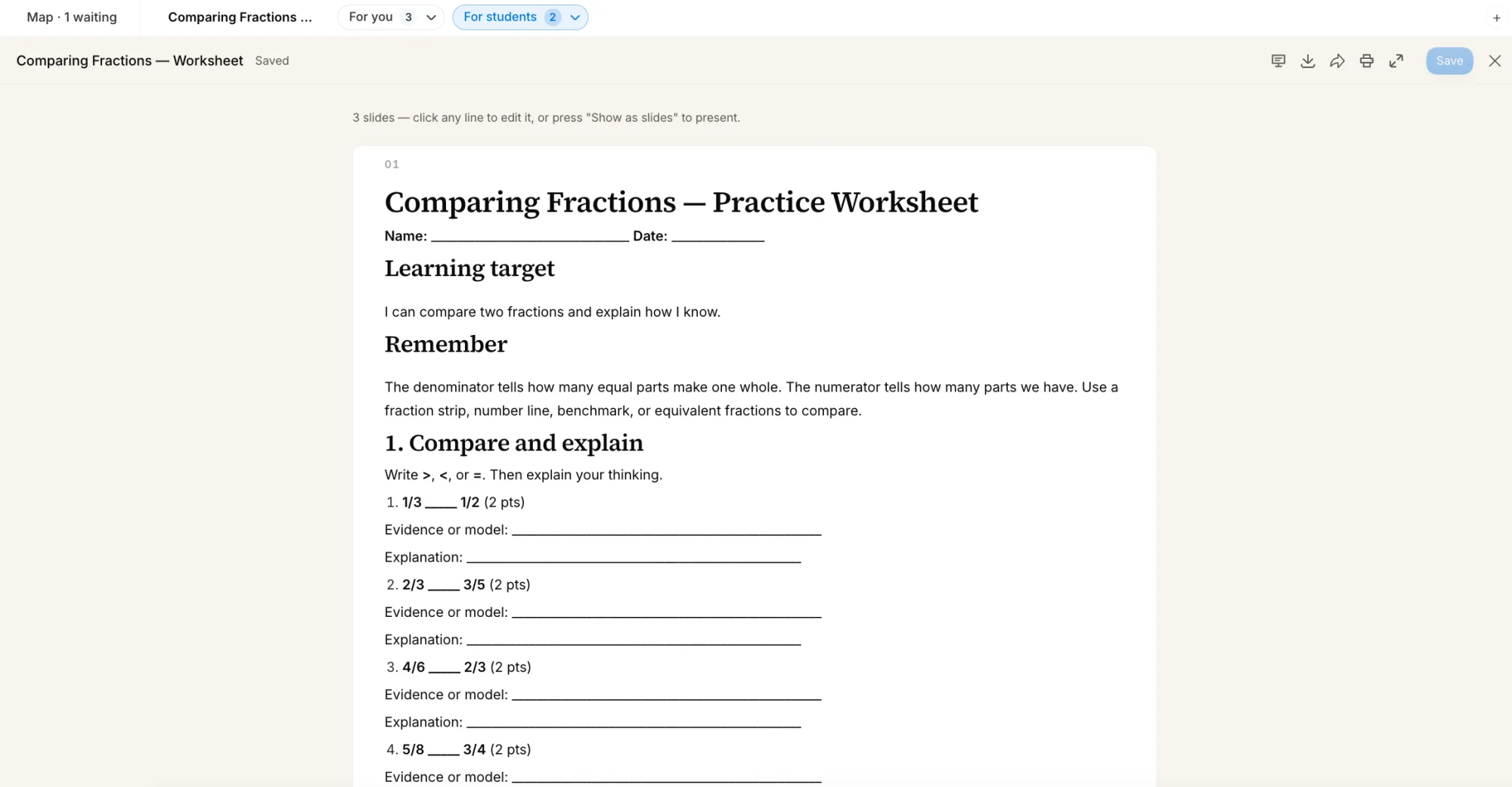
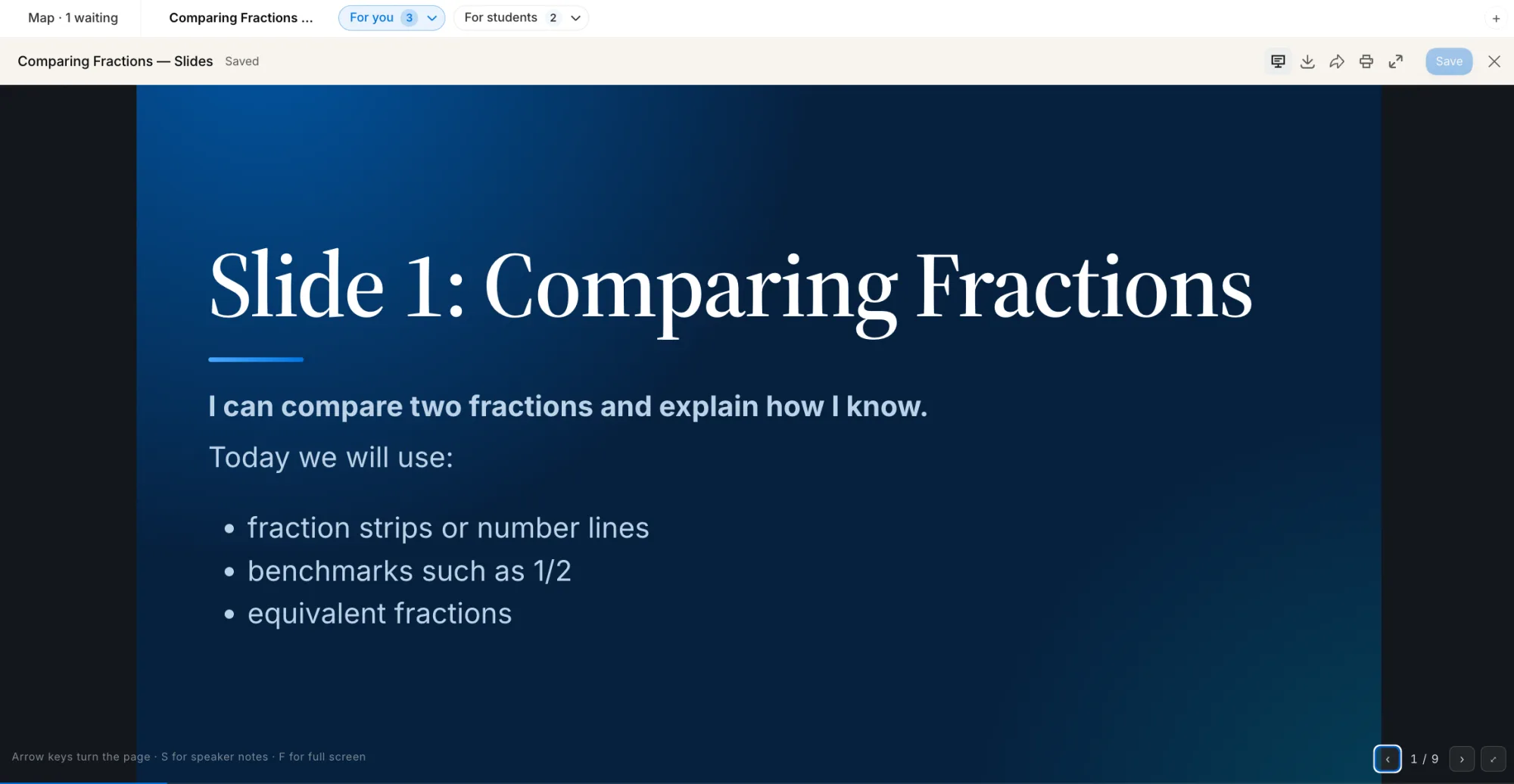
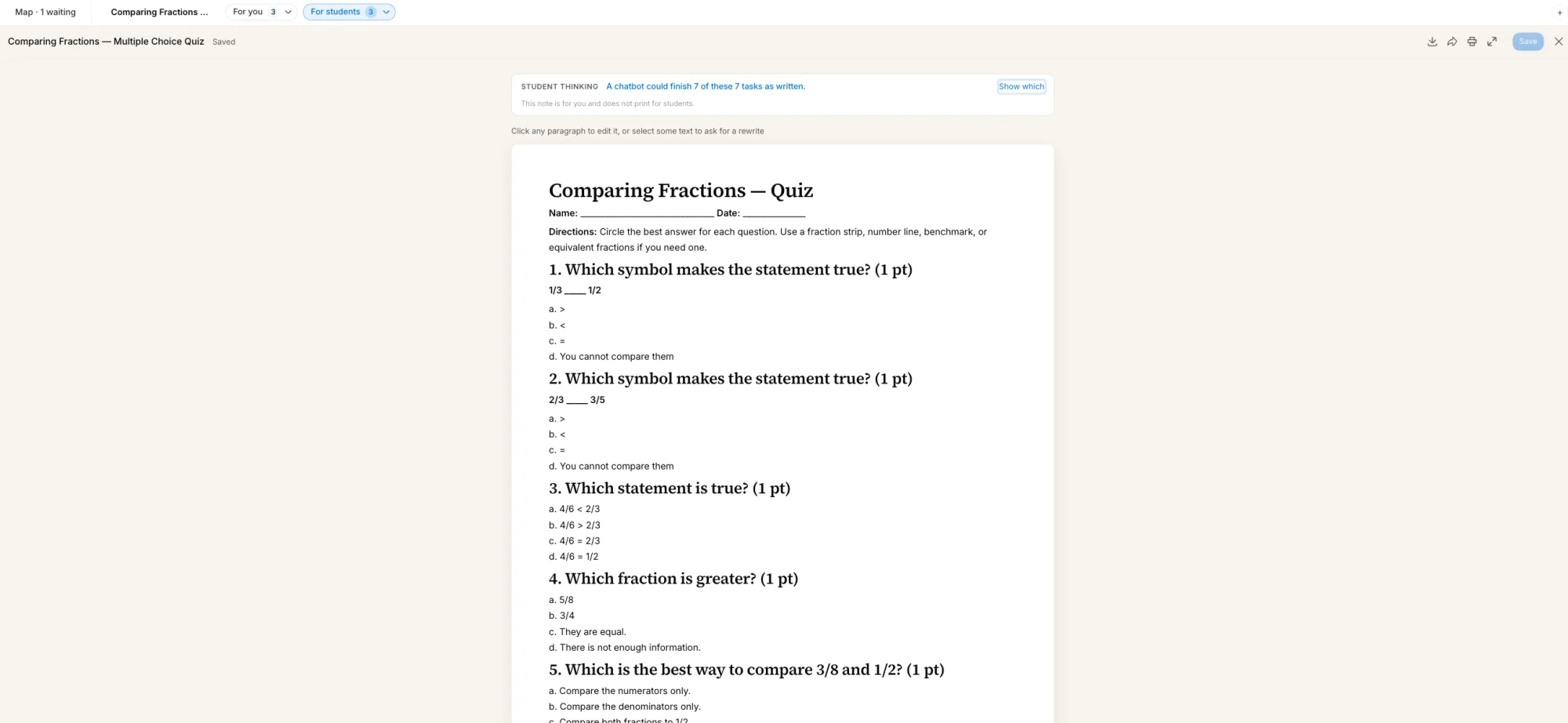
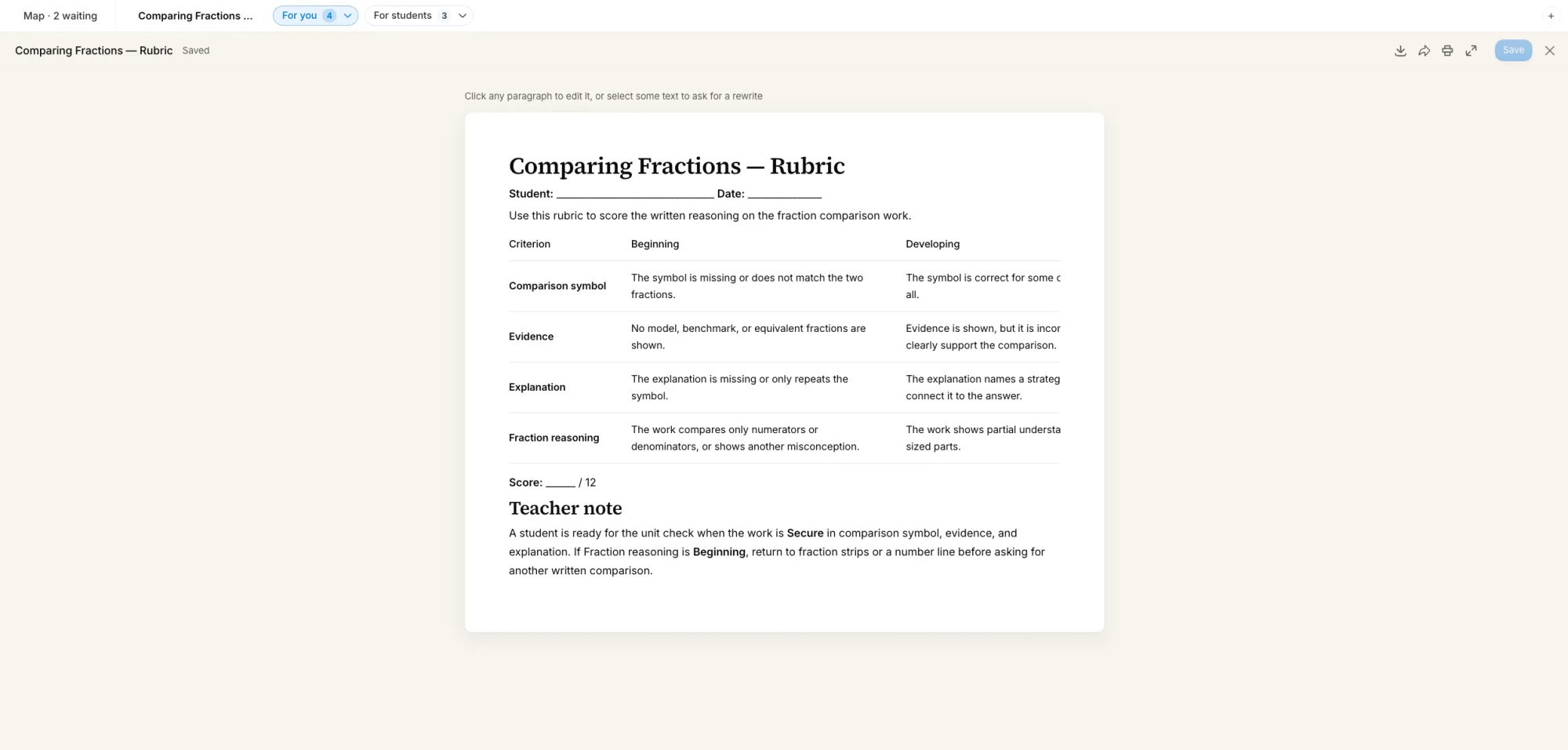
The lesson plan. The worksheet. The slides. The quiz. The rubric. Each one only when you ask for it, opened beside you to edit directly — and each student-facing page checked for what a student could hand off to a chatbot instead of thinking through.

The Thursday lesson plan open in the editor: standard, learning target, what success looks like, and the first five-minute launch.
A practice worksheet for students with compare-and-explain problems, each with space for evidence and an explanation.
The first slide of a deep-blue presentation titled ‘Comparing Fractions’, listing fraction strips, benchmarks, and equivalent fractions.
A multiple-choice quiz for students, with a note to the teacher above it that a chatbot could finish all seven tasks as written.
A four-row rubric — comparison symbol, evidence, explanation, fraction reasoning — scored out of twelve, with a teacher note.

5 See it whole

The whole 45 minutes, connected.

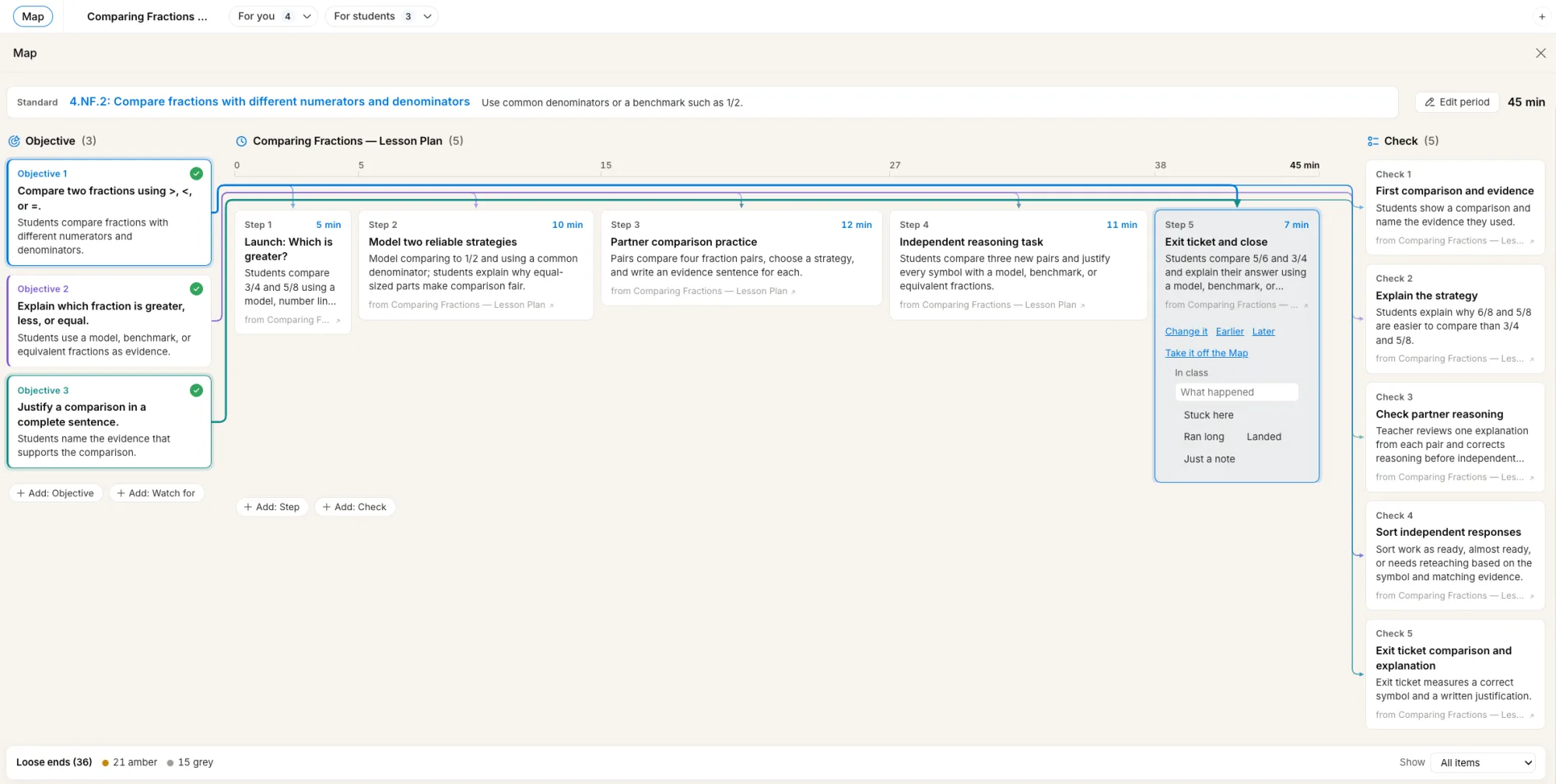
Standard, objectives, timed steps, checks for understanding — every one tied to the others. The Map shows what teaches each objective and what checks it, and says in plain words when something doesn't.

The Map: three objectives on the left, five timed steps across a 45-minute strip, and five checks on the right, all joined by lines.

Plan with clarity. Build with purpose. Teach with confidence.

Sign in Invited teachers only while the pilot runs. Request an invitation.